CIT Tax Return
The screen takes the period's result straight from the ledger and works out the corporate income tax payable — no copying figures into a spreadsheet to multiply by hand.
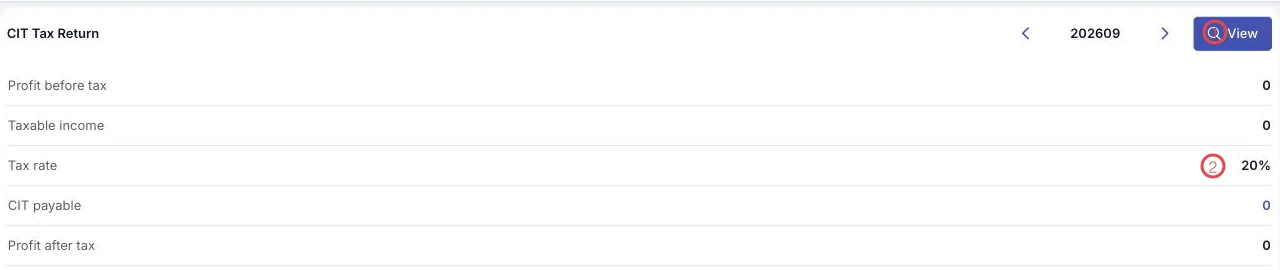
Illustration of the CIT tax return screen
| Area | What it does |
|---|---|
| 1. View | Works out the return for the chosen period (the period box is YYYYMM, with arrows). |
| 2. Tax rate | The rate applied, 20% by default. |
The lines on the return
| Line | Meaning |
|---|---|
| Profit before tax | The period's result per the books. |
| Taxable income | The income the tax is calculated on. |
| Tax rate | The rate applied. |
| CIT payable | Taxable income times the rate. |
| Profit after tax | What is left once tax is deducted. |
Read it after closing
The return draws on the period's income statement, so run closing first and the figure you see is the final one.
Related
- Financial Statements — the period's income statement.
- VAT Report — the value-added tax side.
- Closing & Period-end — fix the figures before filing.