Customer (Patient) Videos
The Video tab stores videos attached to one customer: clips of treatment progress, home-care instructions sent to the customer, or a recording of a consultation.
Open the Video tab
Open the customer (patient) profile → Info tab → in the conversation tab row, choose 🎬 Video.
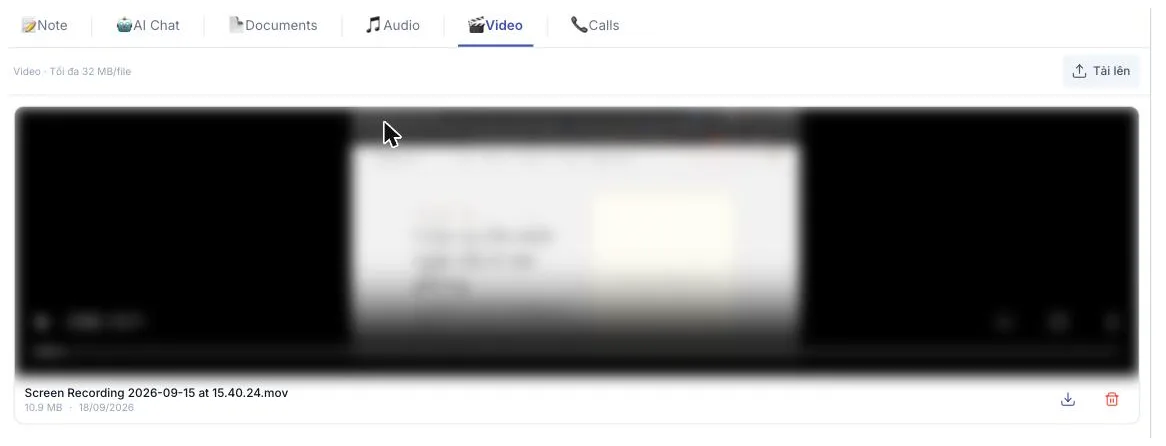
Illustration of the Video tab on a customer profile
The line on the left states the cap — 32 MB per file — and Tải lên (Upload) on the right picks a file from your machine.
An uploaded video appears as a player right on the page — press ▶ to watch, no download needed. Below it are the file name, its size and the upload date, with download and delete buttons on the right.
With nothing uploaded the panel reads "Chưa có video" (no videos).
A few dozen seconds shot on a modern phone already passes 32 MB. Options:
- Record at a lower resolution (720p rather than 4K).
- Trim to the part that matters.
- Compress the file before uploading.
For an important clip that is simply too big, keep it in the clinic's video storage and put the link in a note instead.
Filming well
- Film with a purpose — a short clip of the treated area beats a long, unfocused one.
- Same angle each time if you want to compare progress.
- No other customers in frame, and no screens showing other people's data.
- Put the date in the file name so the order is obvious.
Video ties a person's health to their face. Always ask permission before filming, and never post it on social media or send it outside the clinic without explicit consent.
Related
- Audio Recordings — sound files, same tab row.
- Upload Images — before/after photos, organised in folders.
- Documents — attached paperwork.